AI Vision Inspection Platform
Smarter visualinspection. Reviewed.
Detect defects, outline the affected region, classify severity and file an evidence-rich report from real production images.
- Trains on your parts
- Runs on your hardware
- Reviewer quality gates
- No internet required
01 — Capabilities
Four modules, one connected pipeline.
Each one inspectable on its own.
- AnnotationRaw images become governed training datasets with reviewer QA.
- SegmentationParts, surfaces and defect regions isolated before a decision.
- Detection and classificationDefects found, named from your taxonomy and scored against your specs.
- DeploymentValidated models pushed to stations, edge systems or cloud workflows.
02 — Real screens
The workspace, running on sample parts.
Captured from the running platform on sample fasteners and demo data. Click any screen to enlarge.
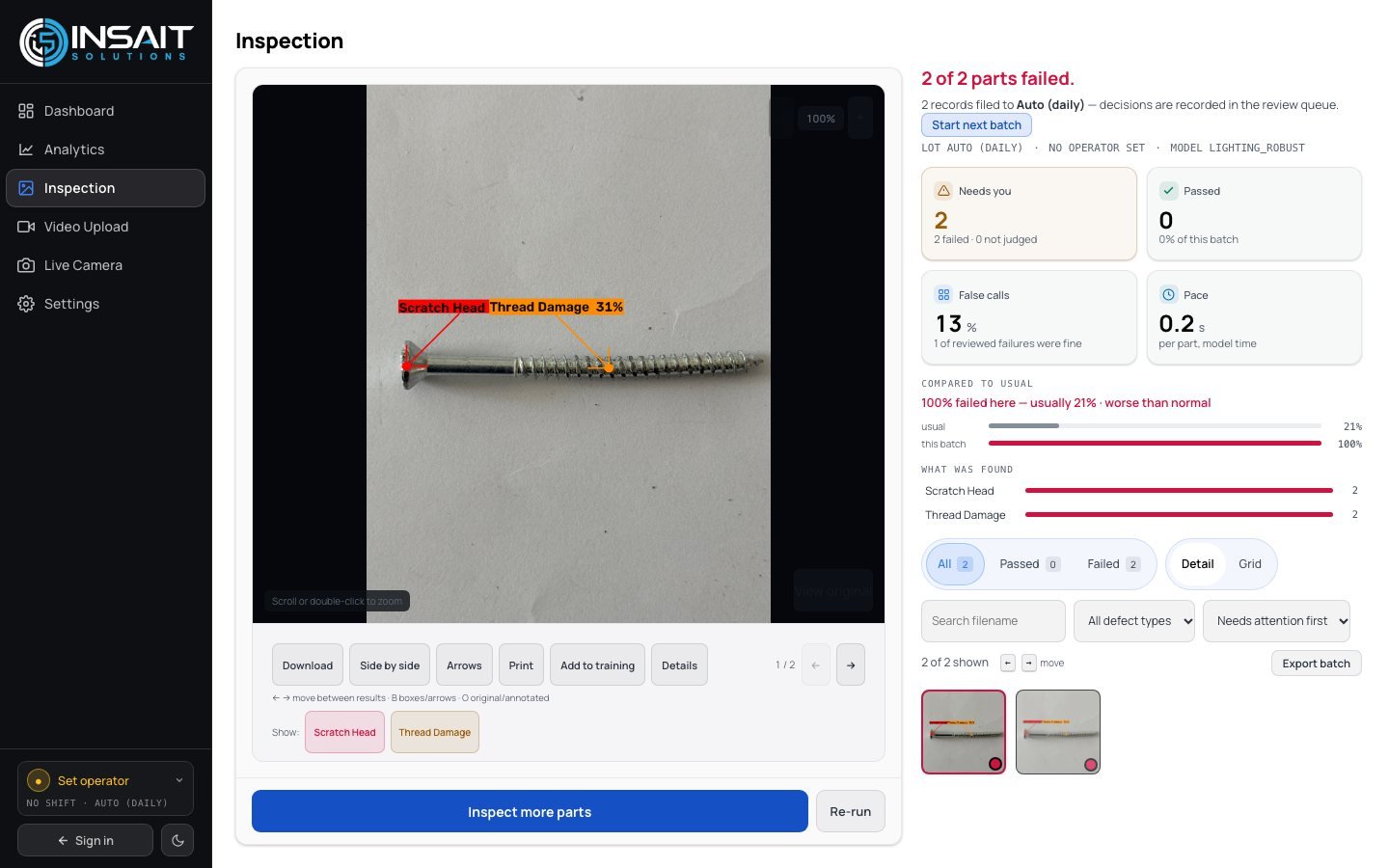
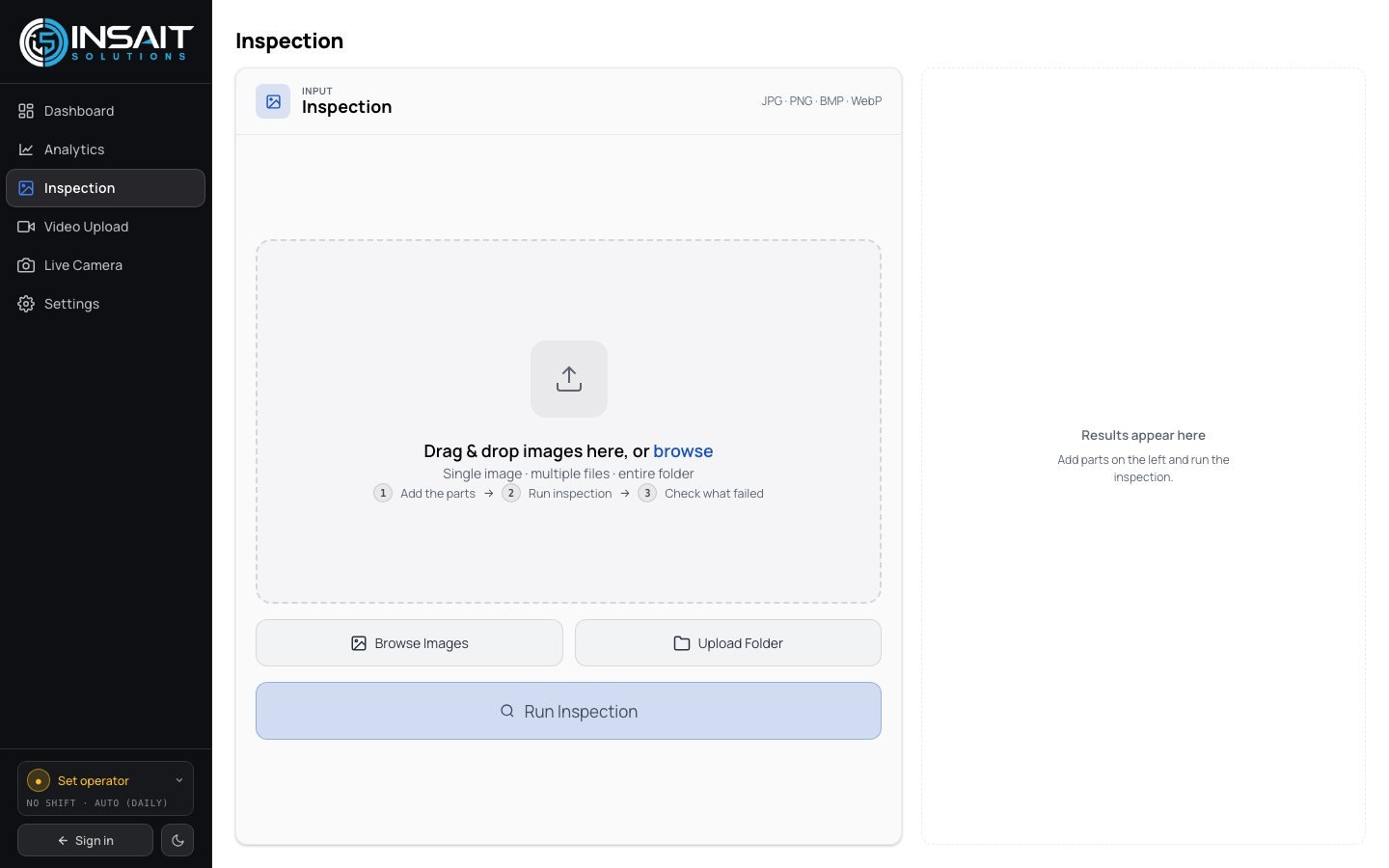
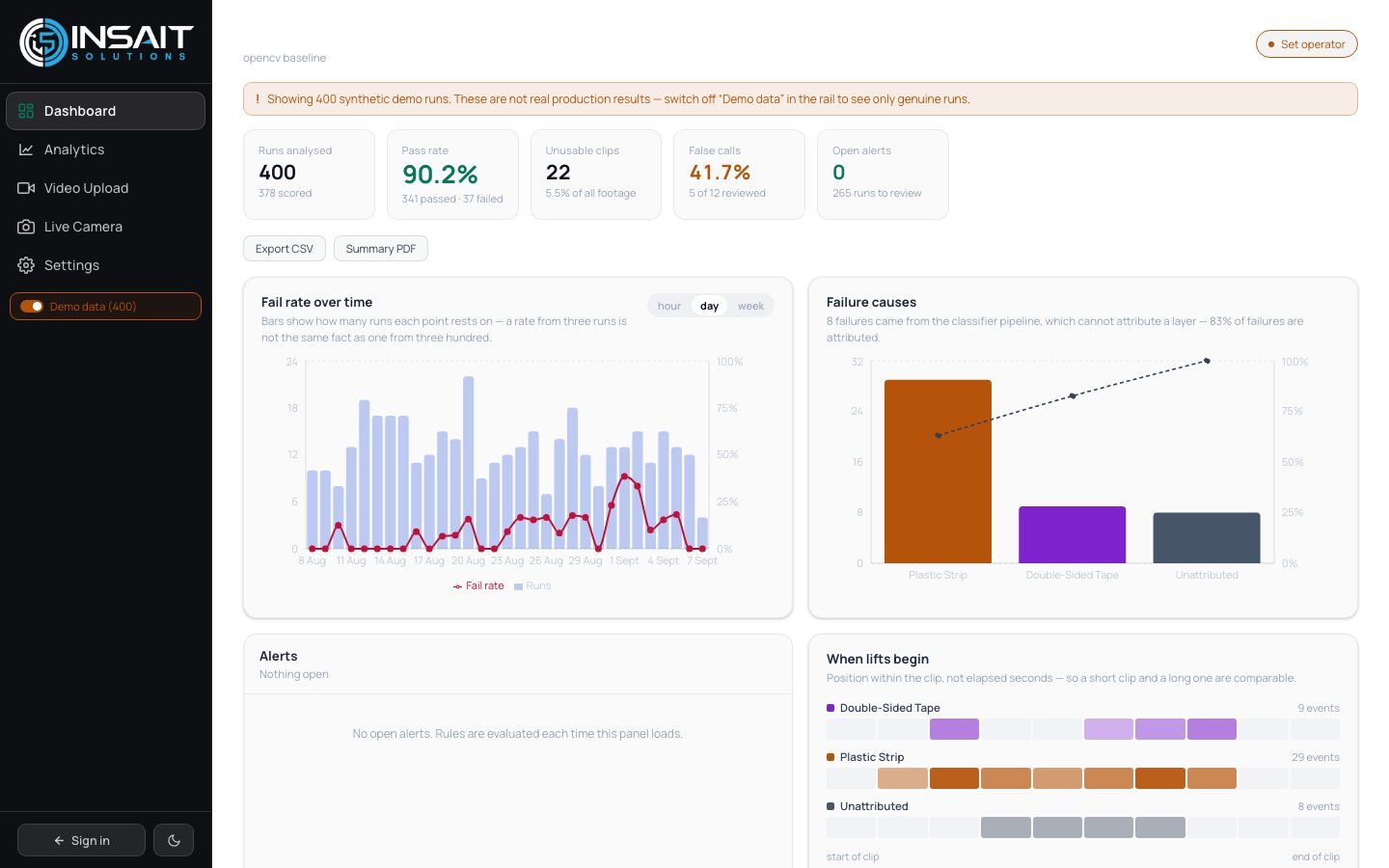
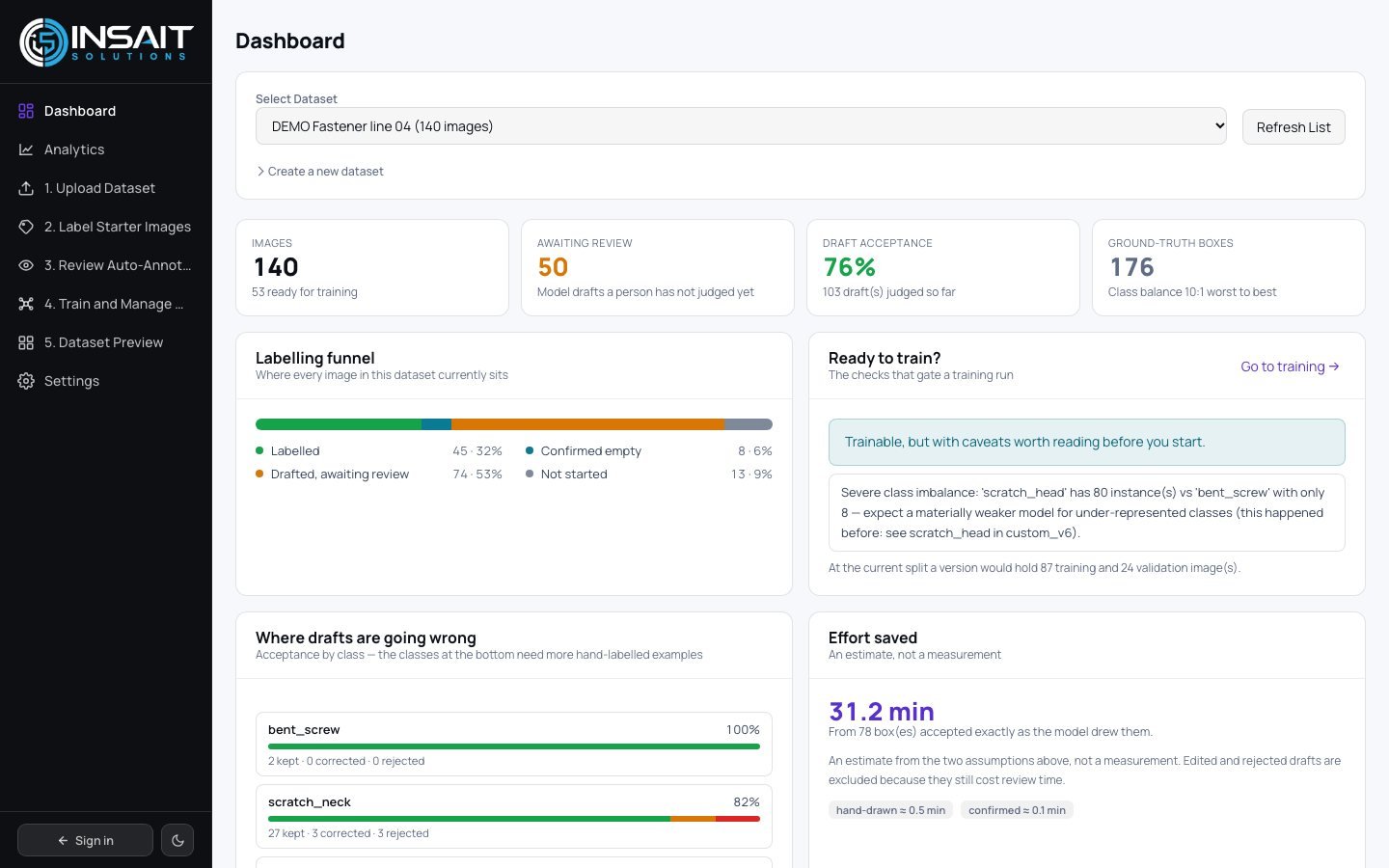
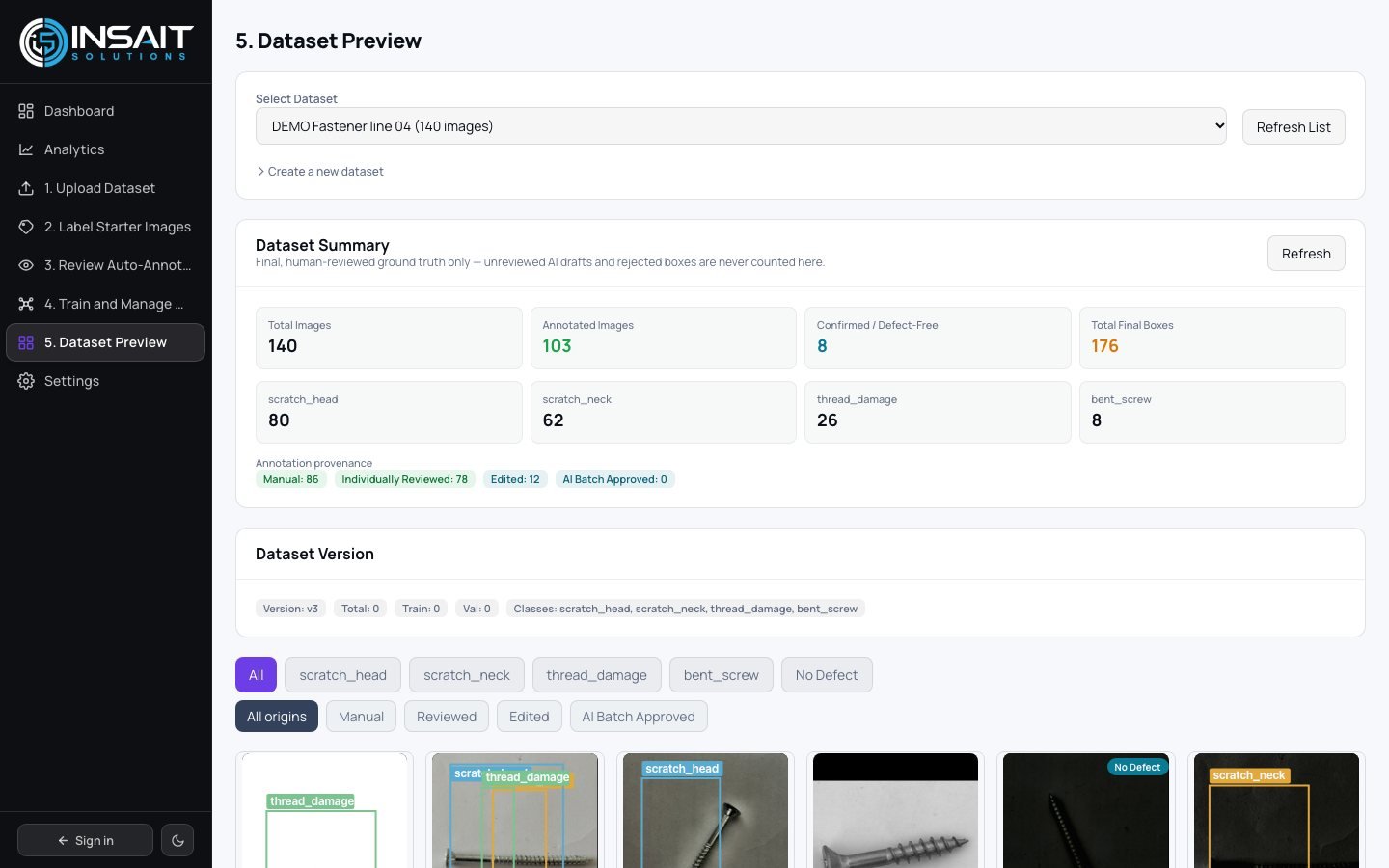
Sample images and demo datasets only. Figures on these screens describe demo runs, not a measured result on your parts.
03 — Workflow
From raw image to verified defect report.
- Capture
Connect existing cameras without replacing hardware.
Photo, clip or live camera - Annotate
Governed ground-truth datasets with QA controls.
Version history on every label - Train
Learns your parts, defects, tolerances and edge cases.
Your images, not a generic model - Validate
Benchmarked against a defect library before production.
Measured before it judges a part - Deploy
Edge, in-line, on-premise or cloud.
No internet connection required - Monitor
Accuracy, drift, throughput and defect trends.
Model version on every row
Quality safety
AI flags the defect. Your quality team decides what happens to the part.
There is no actuator, no machine control and no reject gate. Every confirmation or correction is recorded against a name.
04 — Go deeper
The detail behind this page.
How a model is built, where it has been shaped, and what we will not claim.
05 — Governance
Quality control with audit-ready safeguards.
Borderline findings queue for a person; every decision is reversible.
Labels carry version history, so training data stays consistent.
Every inspection filed against lot, shift, operator and model version.
Images and weights stay on hardware you control.
06 — FAQ
Questions buyers ask before a pilot
Will it work on our parts?
The pipeline will. Capture, lighting correction, detection, confirmation, review and the audit trail are the same whether it is looking at a fastener, a populated board, a weld seam or a coated panel. What has to be built for you is the model and the class list behind it, from your labelled examples.
What accuracy does it achieve?
We do not publish one, because we have not measured it on your parts. What we publish is each model's training scope, the thresholds it runs at, and the tooling to measure it yourself — the confidence histogram, the threshold sweep and the review queue that records every human correction.
Will it stop the line if it is wrong?
It cannot. There is no connection to a PLC, an actuator or a reject bin. It produces a verdict, a marked image and a record; a person decides what happens to the part.
Does it need the internet, or send our images anywhere?
No. The backends, the database and the model weights run on hardware you control. There is no vendor telemetry in the inspection path.
Can it detect defects it was not trained on?
No, and no visual system can. A class needs labelled examples and a training run before it can be named. Defining that class list with you is the first half of a pilot.
Do we have to replace our cameras?
No. Capture connects to existing cameras, uploaded clips, or a folder of photographs. Hardware replacement is not a precondition for the first result.
07 — Insights
Written for the people who make it stick.
All insights
AI Vision Inspection Platform