

Workspace · InspectionAI
A cleaner inspection screen for upload, analysis and review.
Designed so an operator learns it in a shift and a quality manager can audit it afterwards.
01 — Three tools
Is this part defective, where is the defect, and what kind is it?
A trained model runs on fasteners today. For any other part, the model is built from your labelled examples during a pilot.
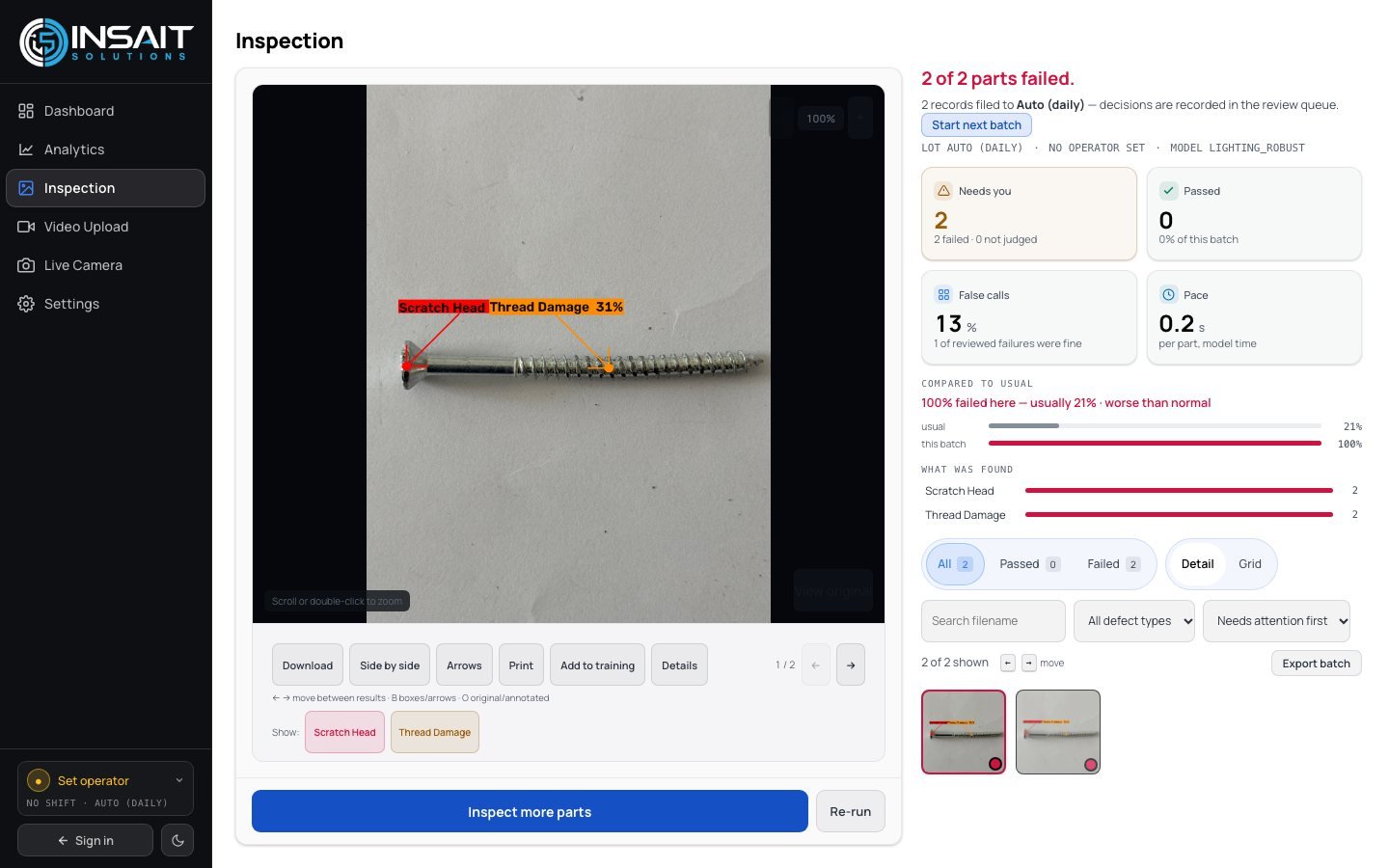
- Three ways in, one detectorA folder of photos, an uploaded clip, or a live camera.
- Light corrected before judgingShadow lifted and glare pulled back on every frame.
- A class from your listPlain-English class, confidence and its written definition.
- A ceiling on what reaches the operatorAt most three findings per part, duplicates collapsed.
- On video, a finding must survive timeTwo of the last three sampled frames have to agree.
- Twelve quality viewsPareto, control charts, capability, review queue and audit trail.
What it will not do
No actuator, no machine control, no reject gate.
Adding one means labelled examples and a training run.
Suppressed until it is retrained.
Pass/fail is attribute data, reported as such.
During that peel, did a layer lift that was supposed to stay put?
A trained model runs on adhesive peel tests today. The layer stack is configured against your own footage before a pilot.
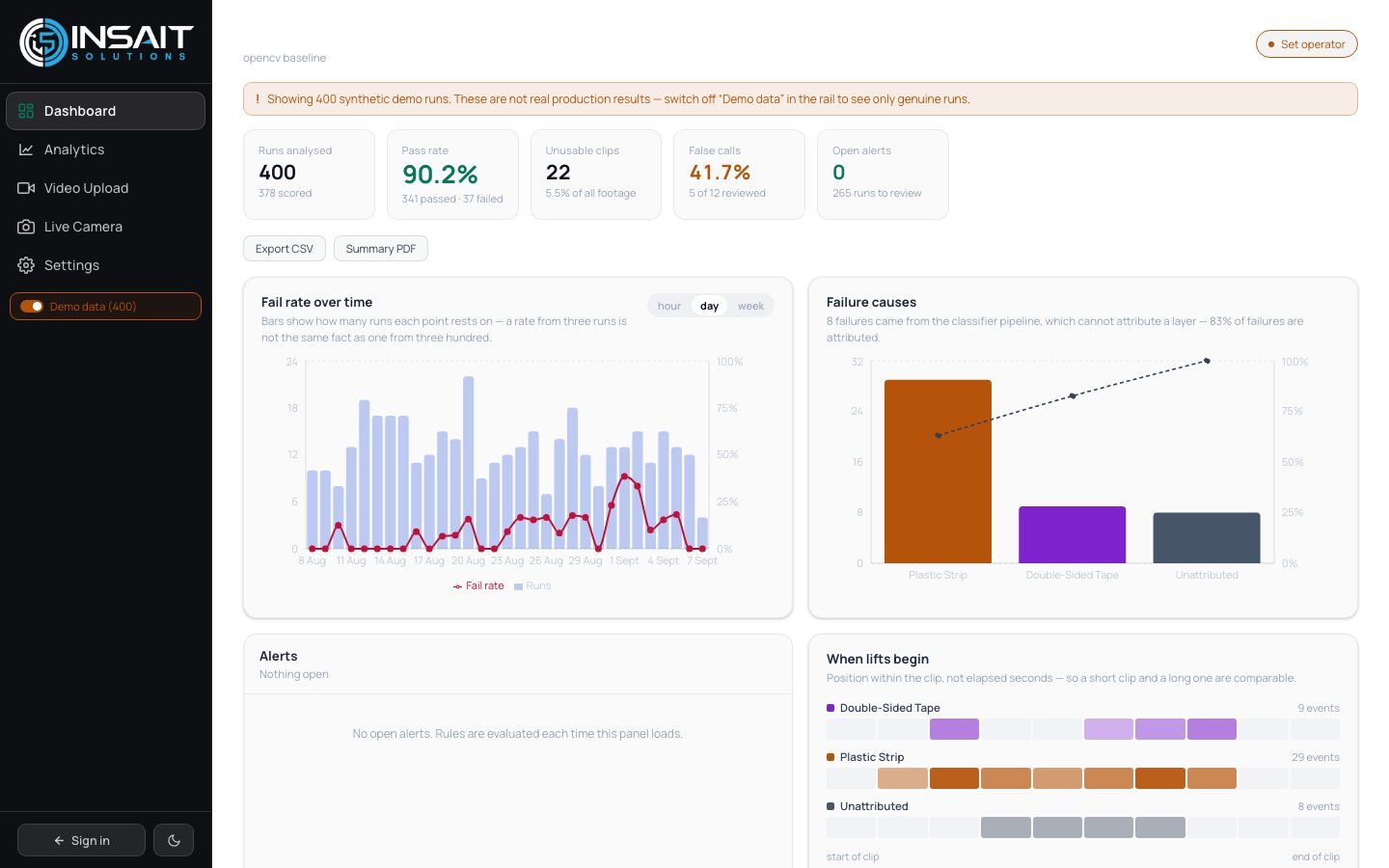
- A verdict for the clipFrames are voted on; one frame never decides the run.
- Which layer movedReported as a named layer wherever it can be attributed.
- It says when it cannot attributeUnattributed failures are reported as exactly that.
- Live at the benchLive verdicts vote over the last few seconds.
- Unusable footage is called unusableToo dark or too short is left out of the pass rate.
- When lifts beginPlotted by position, so short and long runs compare.
What it will not do
Not a peel-strength figure or a mechanical tester.
Layers and thresholds are calibrated on your recorded runs.
Reported as unattributed rather than guessed.
A blocked or underlit view is recorded as unusable.
How do we get a labelled dataset without labelling ten thousand images by hand?
Label a starter set, train an experimental model on it, and let it draft the rest — every draft goes past a person before it counts.
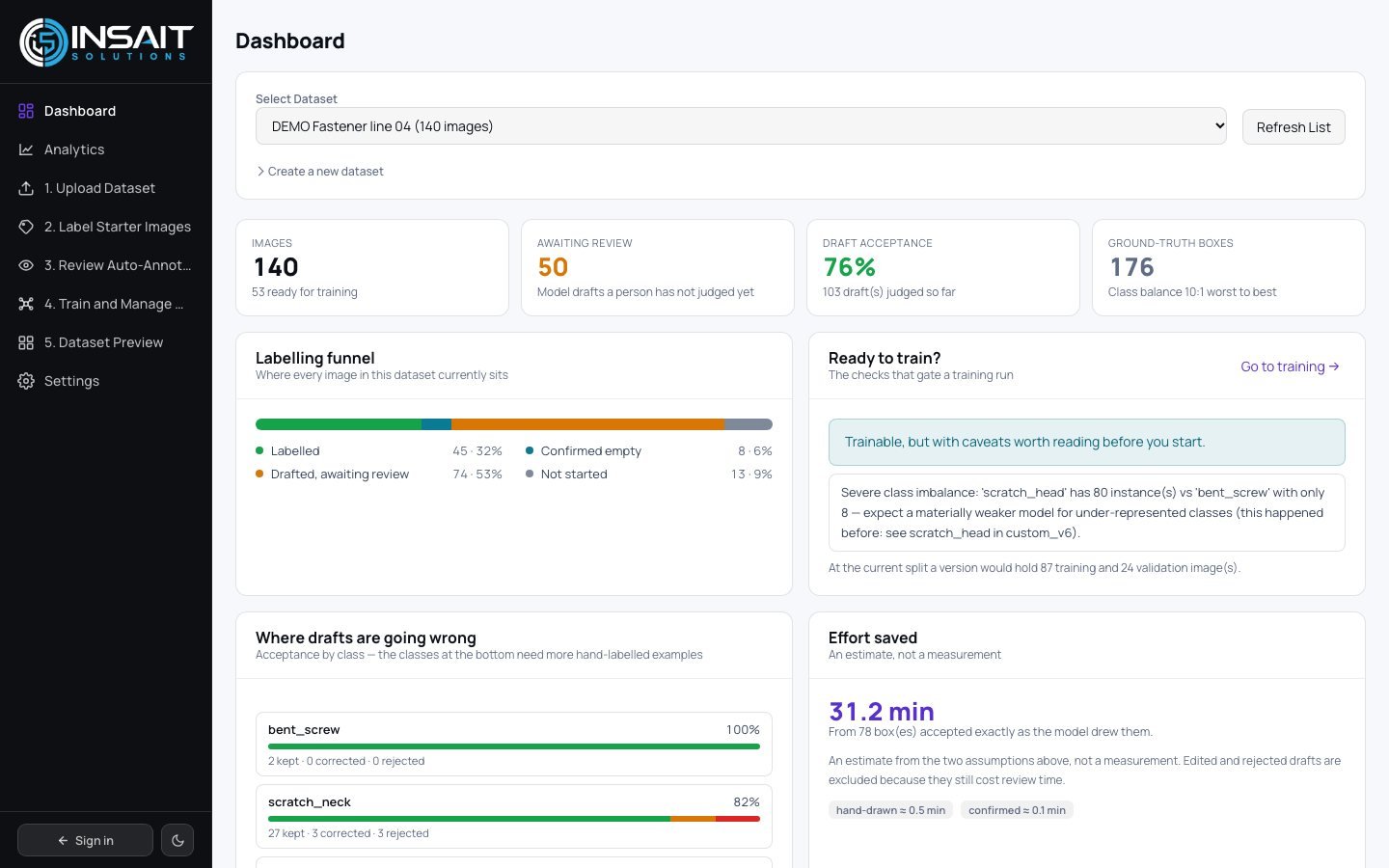
- Five steps, in orderUpload, label a starter set, review drafts, train, preview.
- Drafts sorted by confidenceReview time lands where the model is weakest.
- Approve, edit or rejectAll three recorded; the acceptance rate is on the dashboard.
- Class balance visible as you goFind a lopsided dataset during labelling, not after.
- Review in-app or in your toolPush to an open-source labelling tool and bring it back.
- Experimental stays experimentalPromotion to a line is always a deliberate step.
What it will not do
A way to shorten pilot labelling, not a finished product.
Nothing counts until a person has judged it.
Finding new defect types is still human work.
Weights stay separate until someone promotes them.
02 — What lands in the canvas
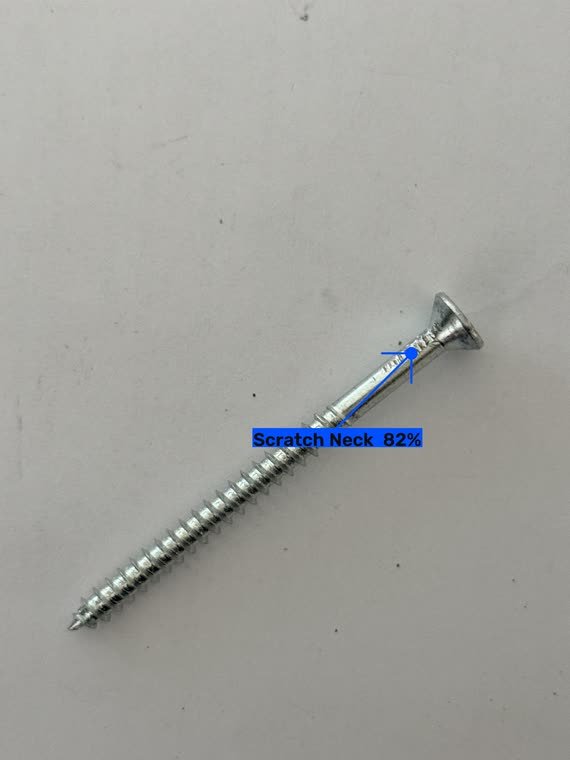
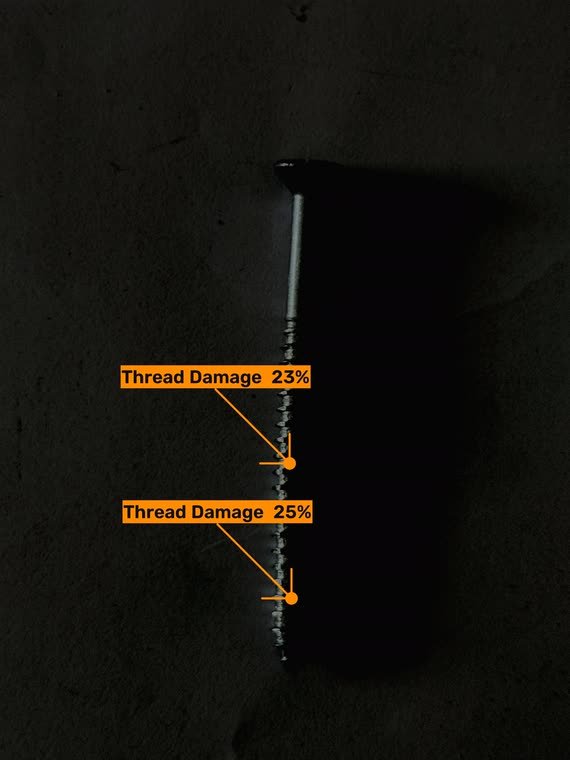
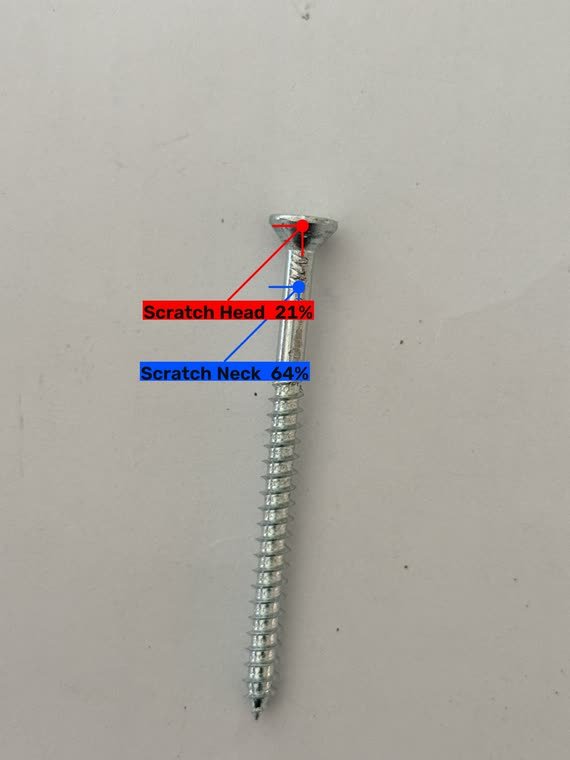
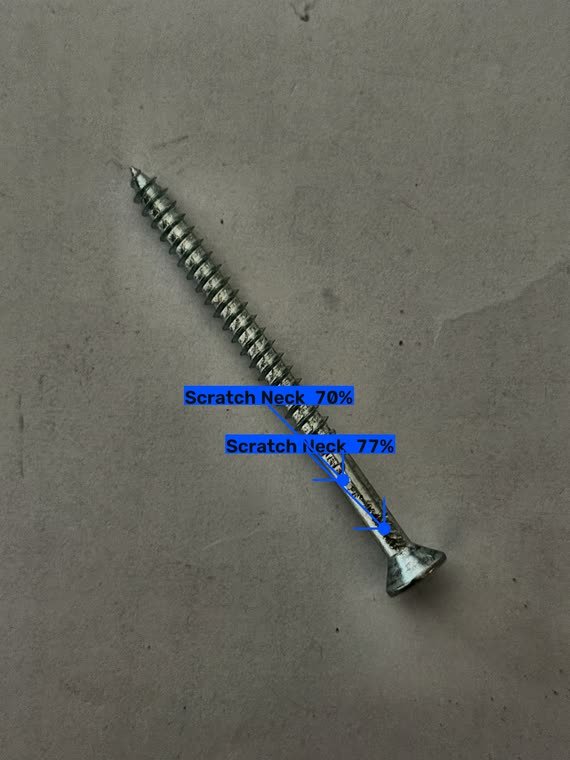
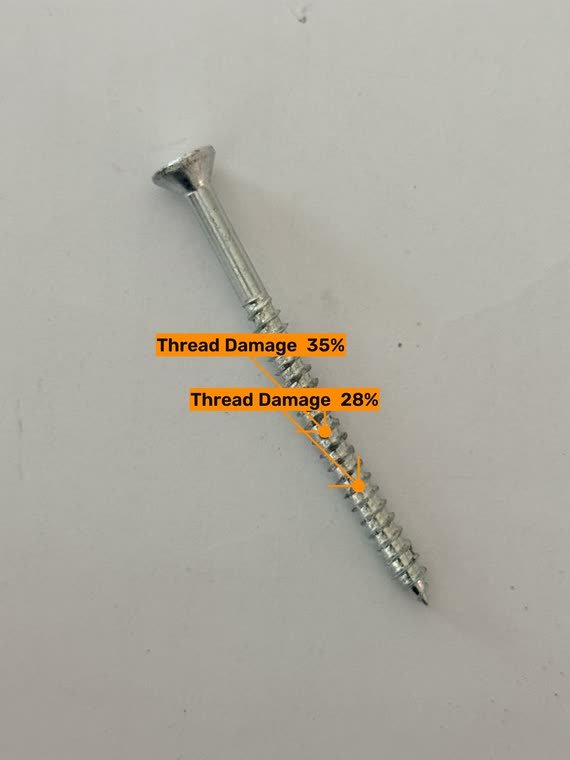
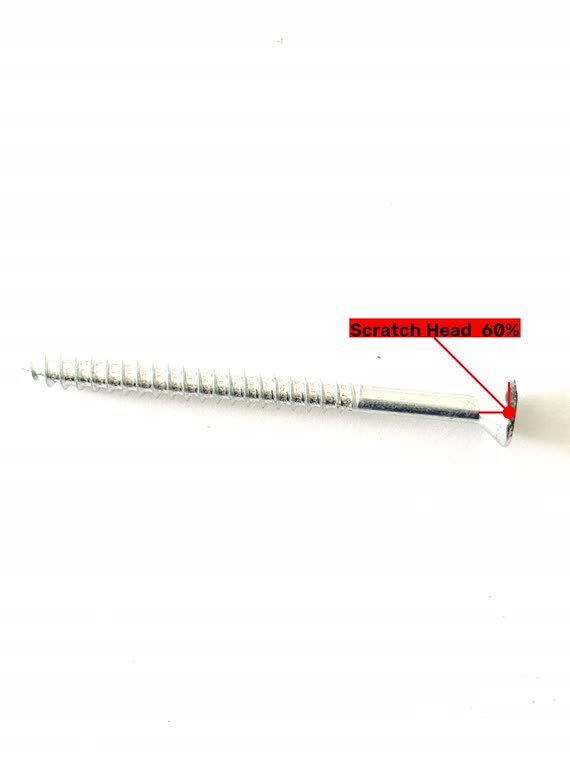
Real frames, from a model in production.
Unretouched, including the low-confidence calls. Drag to see more.
Talk to INSAIT